
On 10 November 2026, OpenAI launched Businesses in ChatGPT in beta. At its centre is Business Hub, a dashboard where companies can claim their profile, manage the information ChatGPT shows about them and see how they are “found” in conversations. Remember, this is a platform with 1.2 billion users a week.
To access it, go to chatgpt.com/business-hub. Be careful not to confuse it with ChatGPT Business, the subscription for teams.
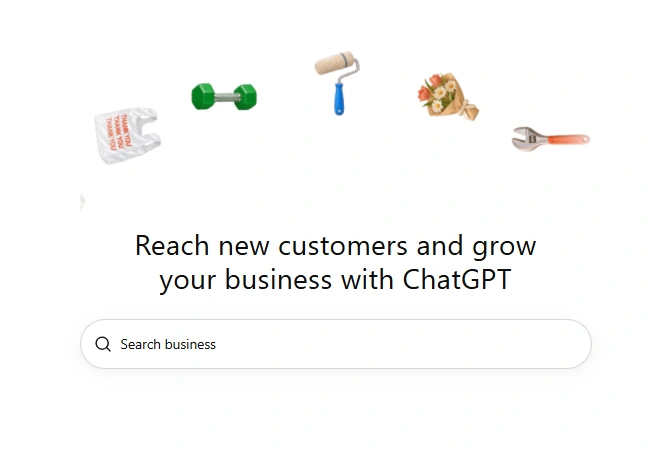
How to claim your business
- Sign in to ChatGPT and open Business Hub: you will see the page above.
- Search for the business by name or domain. If it is not there, you can create it.
- Verify ownership by text message, phone call or DNS, adding a TXT record to your domain with the verification code supplied by OpenAI. I used the DNS record and finished everything in 30 minutes. Shopify can also be used to verify ownership.
- Wait for the result by email.
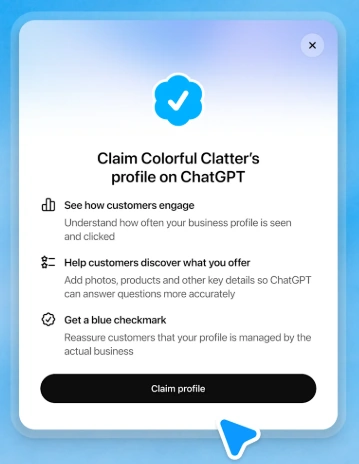
It is free, requires neither an Ads nor an Enterprise account, and works for Italian businesses too.
Profile, products and Insights
Once the process is complete, we have a dashboard with three areas:
Profile: category, description (up to 300 characters), contact details, photos, address and opening hours.
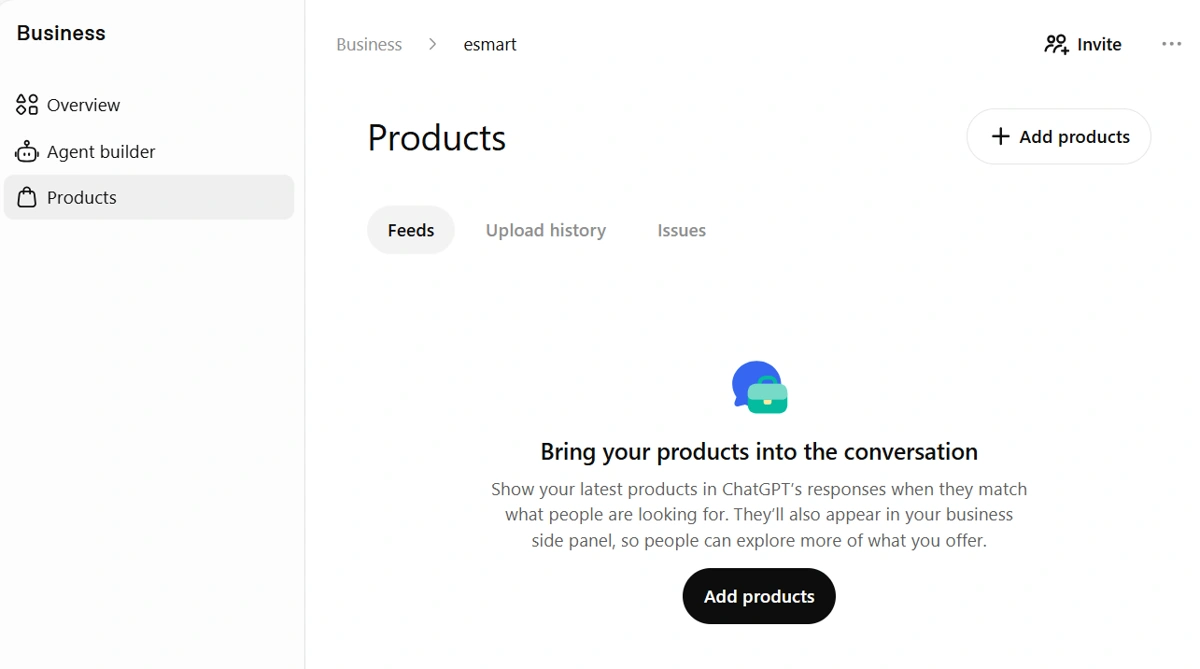
Products: upload product feeds with prices and availability. A feed is a structured catalogue that ChatGPT reads to answer with up-to-date information. Shopify merchants can connect their shop directly.
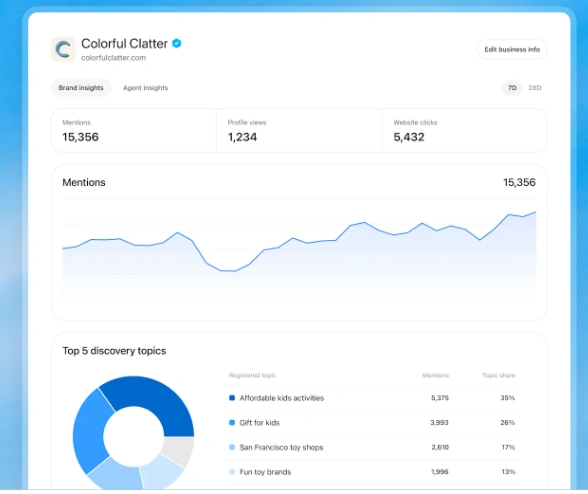
Insights: metrics for the past 7 or 28 days.
The metrics and what they mean for GEO
Until now, understanding how a brand appeared in ChatGPT meant relying on estimates from external tools. Now we have data supplied by OpenAI:
- Mentions: the times ChatGPT refers to a business’s website or, for local businesses such as shops and restaurants, displays a result for that location. Simply naming the brand is therefore not enough.
- Profile views and Website clicks: how many people view the profile and how many visit the website.
- Discovery topics: recurring themes in conversations where the website is cited. This is the most valuable part, because it suggests topics to create content about.
Take care with the meaning of “mention”. In GEO work, a distinction is commonly made between a brand mention and a citation accompanied by a link. ChatGPT’s Mentions metric has its own definition, tied to a website reference or a location result: it should not be read as a simple count of every appearance of the brand’s name.
From a GEO (Generative Engine Optimization) perspective—optimising content to be cited by AI—it is a kind of Search Console for ChatGPT. There are limits: it does not show users’ specific requests, and metrics remain empty below certain activity thresholds to protect privacy.
Business Agents and managing your brand’s presence
Then there are Business Agents. These are brand assistants built with a company’s instructions and catalogue, answering customers in a clearly labelled chat separate from ChatGPT’s independent answers. At launch, they are restricted to eligible e-commerce and online service businesses in the United States.
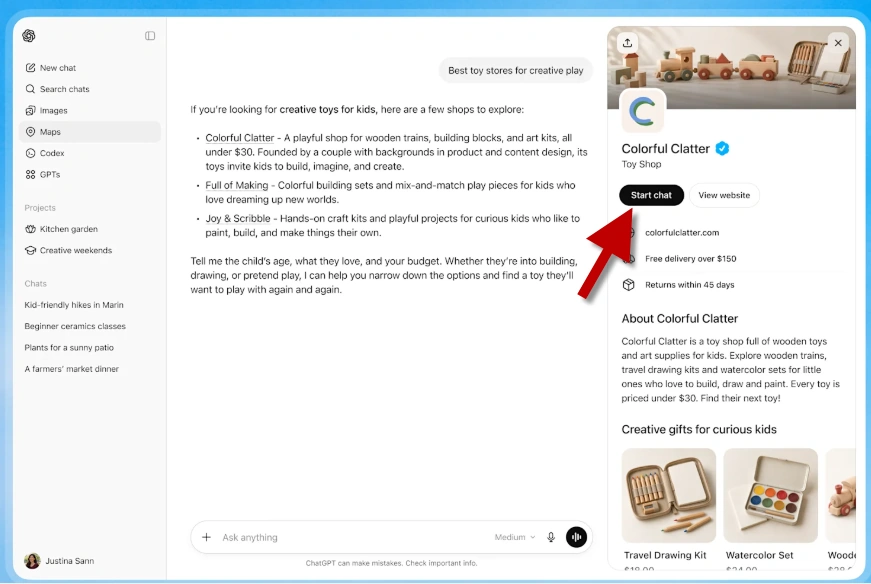
For example, a customer could ask about shipping or returns, or explore the differences between two options and which features meet their needs.
I recommend claiming your business to manage how its profile is displayed. It is a little like having a business on Google Maps: keep an eye on your presence 😉.
I also tried adding other projects of mine that have their own websites but share my company’s VAT number. The claim process went through, only to give me a generic error during validation. I have raised a support request with OpenAI. I suspect each business may need a separate VAT number, but for now this is my hypothesis: the error does not confirm its cause.